
Azonation on your phone
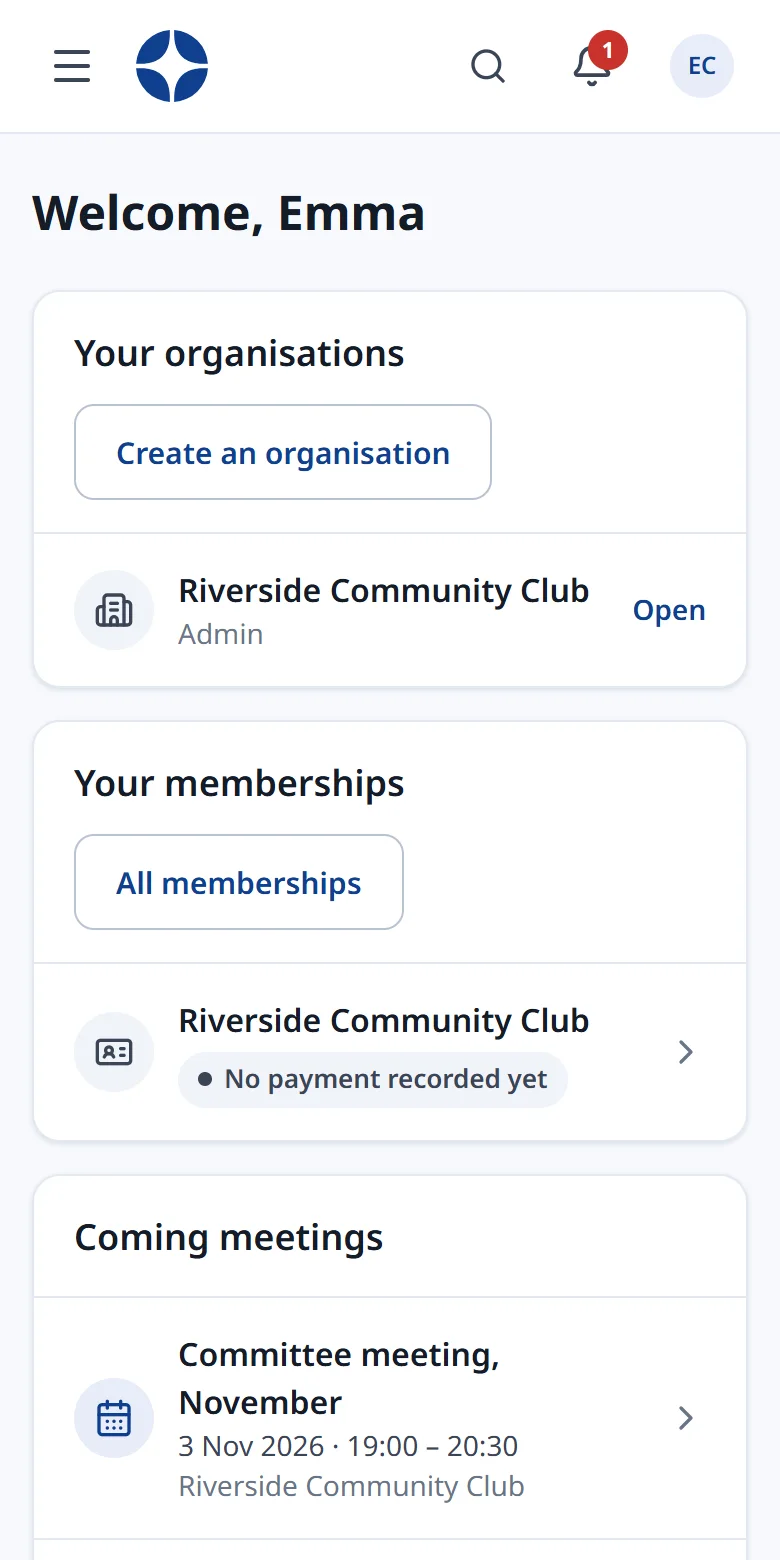
The same Azonation, with its own icon on your home screen or desktop. One tap opens it full screen, already signed in. You install it from your browser in a few taps.
What you gain
Stays signed in
Sign in once. Next time one tap opens your page, with no address to type.
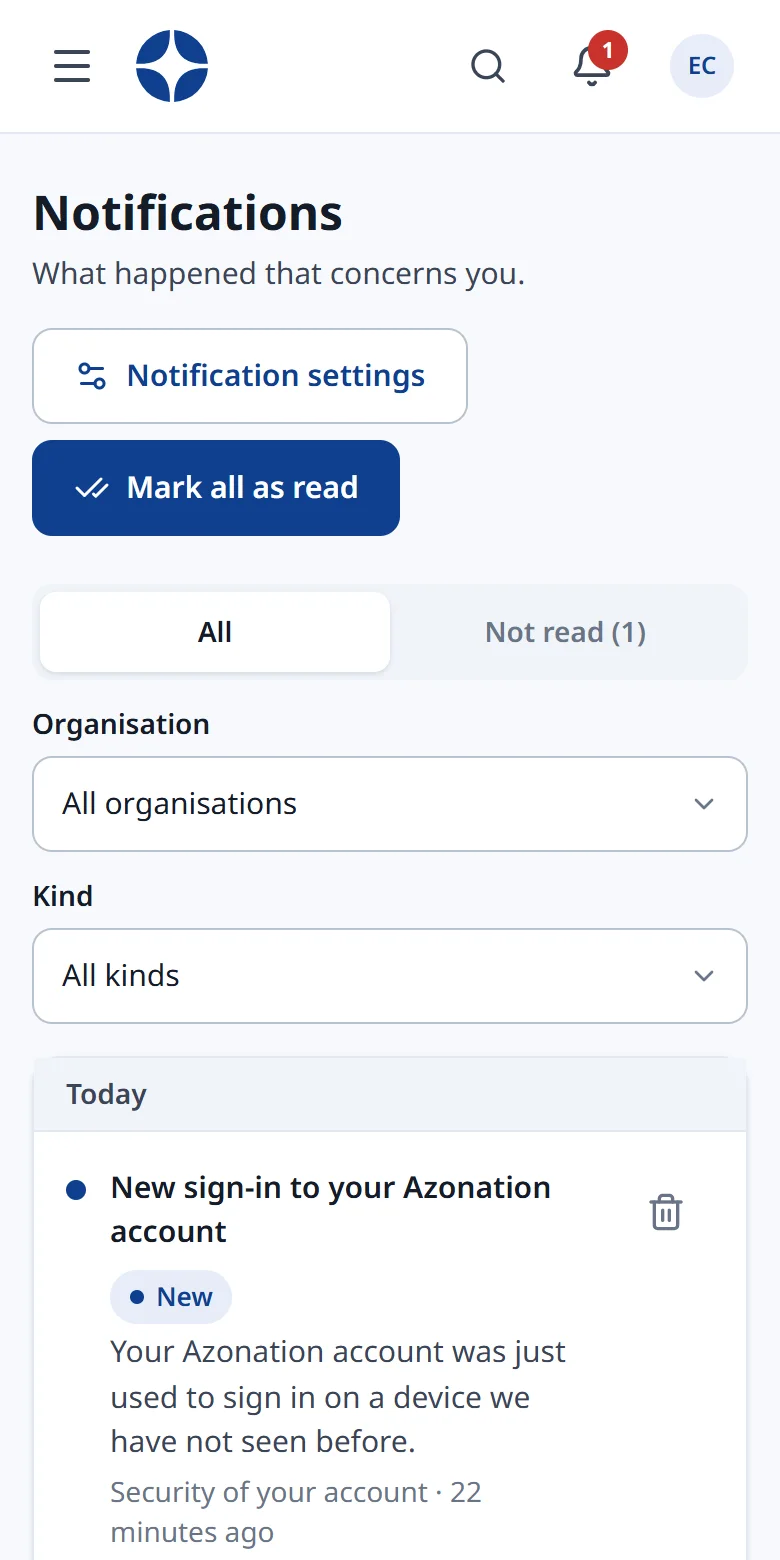
Notices on your phone
A new meeting, a vote or a reply comes to your phone, even when Azonation is closed. You choose which kinds.
Door check-in without signal
Open door mode while you still have a signal. In the hall the phone goes on scanning cards and sends the scans when the signal is back.
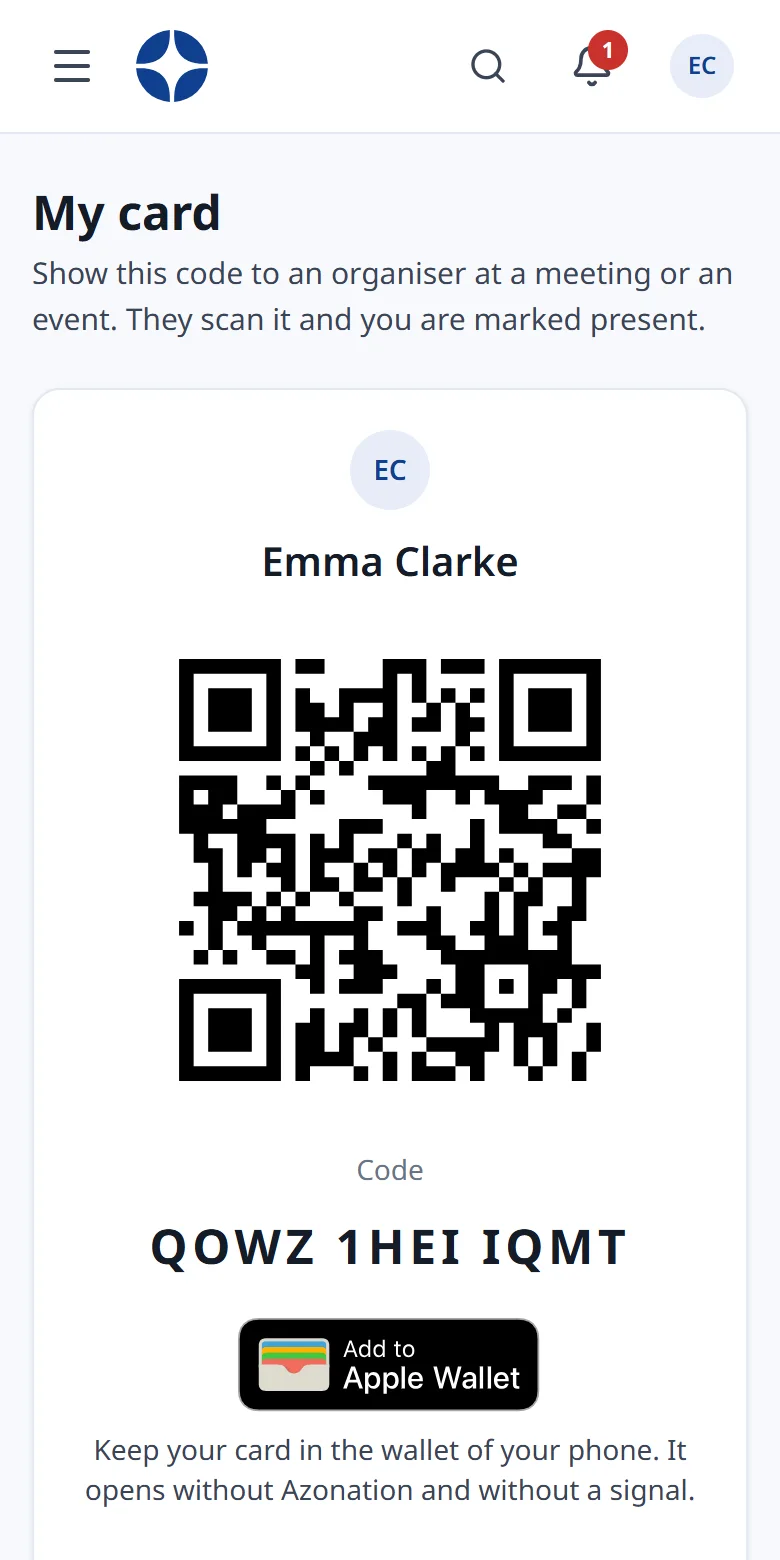
Your card in your wallet
Your membership card and event tickets in Apple Wallet or Google Wallet. They open without Azonation and without a signal.
Full screen
No browser bar and no tabs: Azonation opens like any other app, in a window of its own on a computer.
Any phone or computer
Android phones and tablets, iPhone, iPad, and any computer with Chrome or Edge. The same Azonation everywhere.
Nothing extra to pay
The app is included on every plan, the free one too.
What it looks like
Install the Azonation app
Choose your device. It takes less than a minute, and you can remove it like any other app.
Android phone or tablet Your device
- Open Azonation in Chrome and sign in.
- On your first page, in the card “Azonation on your phone”, press “Put it on this device” and say yes.
- No card? Open the menu of the browser (the three dots) and choose “Install app” or “Add to Home screen”.
- From now on, open Azonation from its icon.
iPhone or iPad Your device
- Open Azonation in Safari.
- Press the Share button of your browser.
- Choose “Add to Home Screen”, then “Add”.
- From now on, open Azonation from its icon.
Notices come to an iPhone or iPad only when Azonation is opened from the home screen.
Computer Your device
- Open Azonation in Chrome or Edge and sign in.
- Press the install icon at the right end of the address bar, or “Put it on this device” on your first page.
- No icon? Open the menu of the browser (the three dots) and choose “Install Azonation”. In Chrome it can be under “Cast, save and share”; in Edge it is under “Apps”.
- Azonation opens in a window of its own, with its own icon on your taskbar or dock.
In Firefox on Windows, press the web apps button at the right end of the address bar (Firefox 143 or newer). Firefox on a Mac or on Linux cannot install apps yet: use Chrome or Edge.
Questions about the app
Is it free?
Yes. The app is included on every plan, the free one too. There is nothing extra to buy.
Is it in the App Store or Google Play?
Not yet. It installs from your browser in two taps, and it is the same Azonation, kept up to date by itself.
Does it use much space?
No. Only the app itself is kept on your device, not your organisation's data. (Door mode keeps a list of names for a few hours, so that it works without a signal.)
Can I still use the browser?
Yes. Azonation works in any browser as well, with the same account. Use whichever suits you.
Does it work offline?
The door check-in does: it goes on scanning without a signal and sends the scans later. Cards in your wallet open without a signal too. The rest of Azonation needs an internet connection.
Try it with your own organisation
Free for up to 100 members, for as long as you like. No card, no sales call.